
02 / MIXER
INKFLOW / AFTER EFFECTS
Your footage.
Your strokes.
Your flow.
Bring a hand-drawn layer to your edits. Paint, fill and shape your marks, then control their timing without leaving your After Effects workflow.
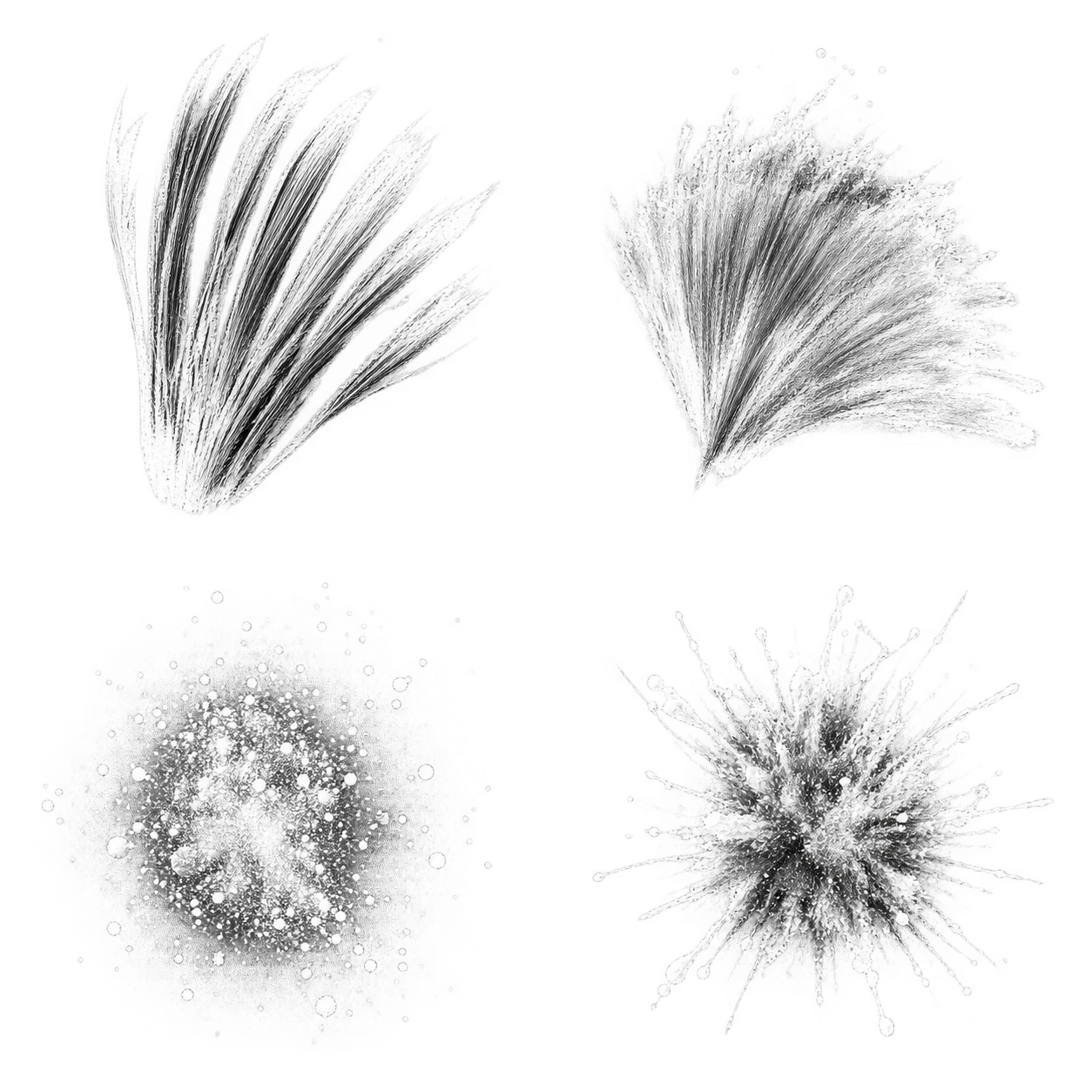
REAL INKFLOW ASSETSTexture. Character. Motion.
THE REAL WORKSPACE
See InkFlow in action.
Watch a basic demonstration of the InkFlow workflow inside After Effects.
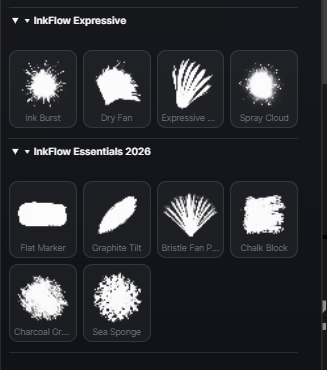
BUILT IN / BRUSHS NATIVOS
Native brushes that are ready before your first stroke.
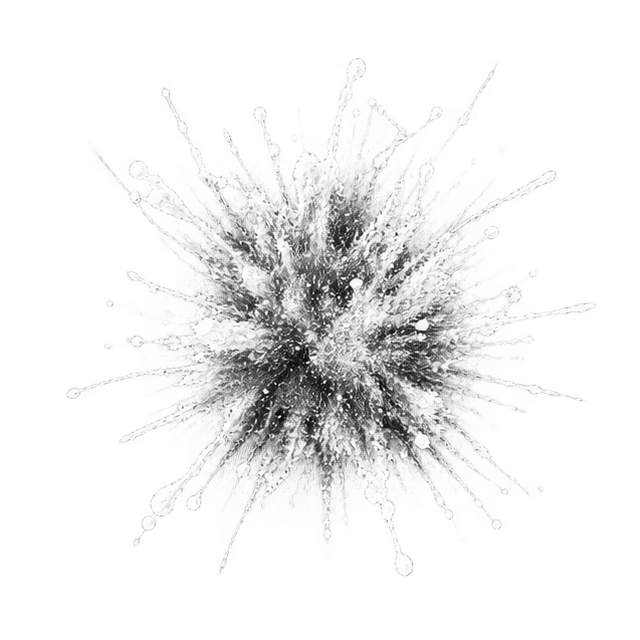
InkFlow ships with its own brush library: expressive splatters, dry fans, markers, grain and textured tips built to make your marks feel handmade from the start.
TOOL DEMOS / LOOPING PREVIEWS
See the tools
move for real.
Short in-app loops showing the actual InkFlow tools at work.
03 / RETOUCH
Pull, push and refine.
04 / CONTOUR
Trace the ink you made.
05 / WARP
Shape your strokes after drawing.
NOT ANOTHER PRESET PACK.
A drawing workspace
for the way you edit.
Make the marks yourself. InkFlow brings brushes, paint tools and a drawing timeline into a dedicated editor connected to After Effects.
01 / THE TOOLKIT
From a first mark
to the finishing touch.
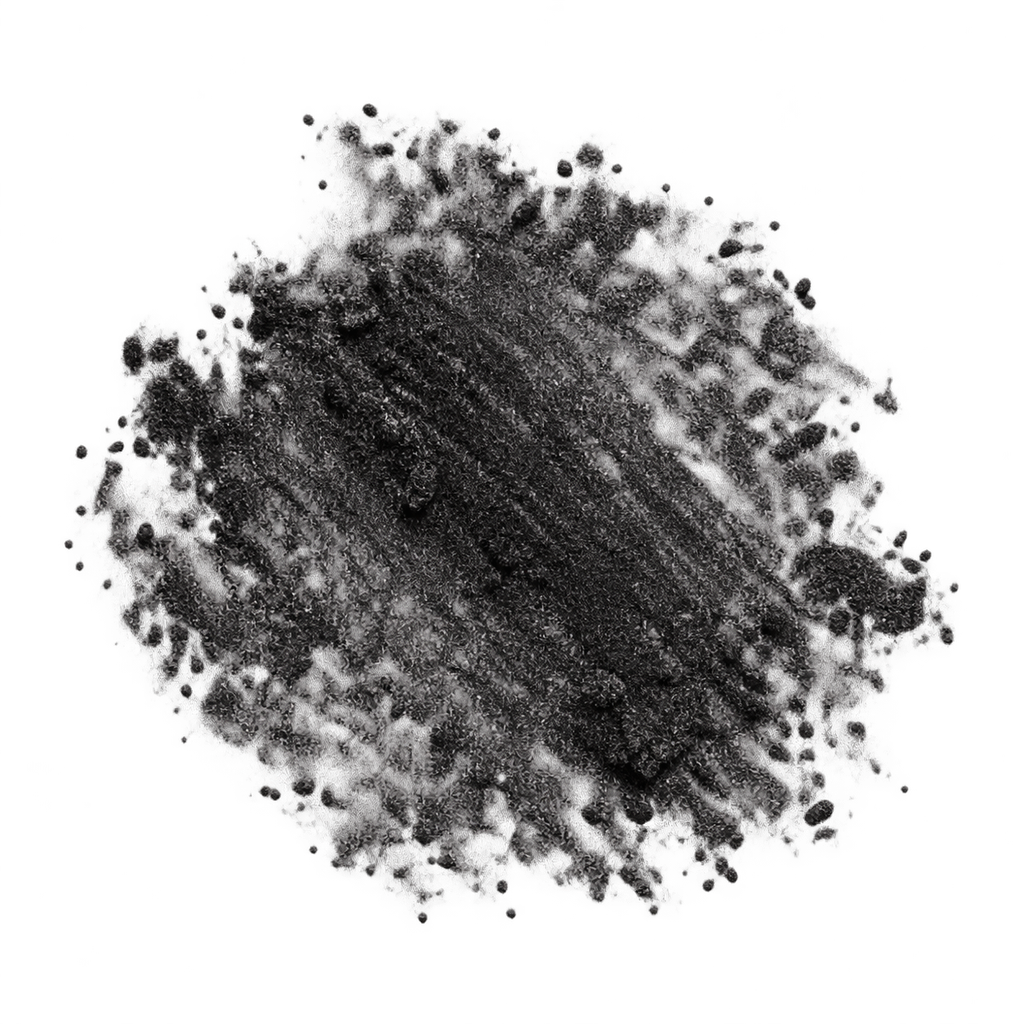
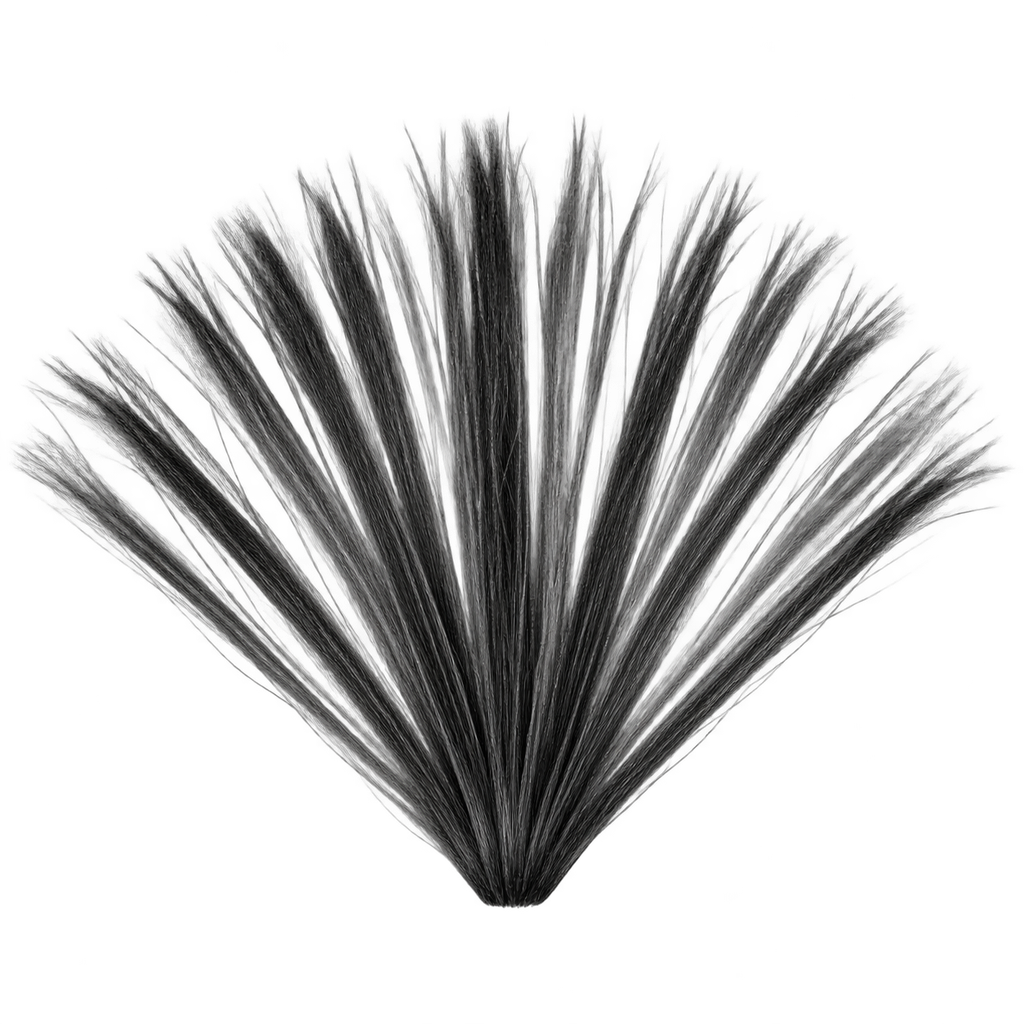
Brushes with character
Choose textured tips, tune size and opacity, and build a look that feels drawn—not pasted on.
Fill beyond the outline
Fill enclosed shapes, recolor existing marks, or sample connected color regions from a reference image. Adjust tolerance for the source you're working with.
Brushes · reference · combined source
Work the paint
Blend, smooth and retouch your drawing. Use contour and clone tools to refine details, and organize tool effects alongside strokes.
Blend · Smooth · Retouch · Contour
Give every mark its moment
Move and resize drawing bars in the timeline. Configure stroke appearance and duration, and use onion skin to compare neighboring frames.
Timing · stacking · frame-by-frame
02 / THE WORKFLOW
Draw it. Time it.
Bring it into your edit.
- 01
Start with your composition
Use a reference from your After Effects timeline to guide your drawing.
- 02
Build your drawing
Combine brushes, fills and paint tools. Adjust each element's position in time.
- 03
Save and send
Save an editable InkFlow document to continue later. Export your drawing sequence into After Effects for compositing.
03 / KEEP CREATING
One purchase.
No subscription.
A small price for a tool you can make your own.
$10USD / once
InkFlow permanent license
- Free future InkFlow updates
- One active computer per license
- Transfer to a replacement computer
- Recover access after formatting
- English and Portuguese interface
The installer validates the trial once with internet. After that, InkFlow works for 24 hours even if After Effects has internet access blocked.
Buy InkFlow — $10Secure checkout by Stripe. You will receive your installer and license by email after manual payment confirmation.
04 / GOOD TO KNOW
A few answers
before you draw.
Which After Effects versions will be supported?
The current editions target After Effects 2021+ and a separate 2026 edition. The commercial compatibility list will be published after testing. Not every intermediate release has been validated.
Is there a Mac version?
Not at launch. The first commercial release is for Windows. macOS support is not currently available.
Will I pay again for updates?
No. The $10 permanent license includes future InkFlow updates at no extra charge.
What happens if I replace or format my computer?
You can recover your purchase and transfer your single activation. Formatting will not require purchasing another license.
Can I save a drawing and keep working later?
Yes. InkFlow supports editable project files, separate from the exported sequence used in your After Effects composition.
How does the 24-hour trial work?
Download the installer, choose the trial option and keep the installer connected to the internet for its one-time validation. After installation, the trial continues for 24 hours without requiring After Effects internet access. Reinstalling does not restart the trial.
Is this available to buy today?
Yes. Purchase the $10 permanent Windows license through Stripe. After payment confirmation, license and activation information are sent to the email used at checkout.